MusicPad
version 2
What is MusicPad?
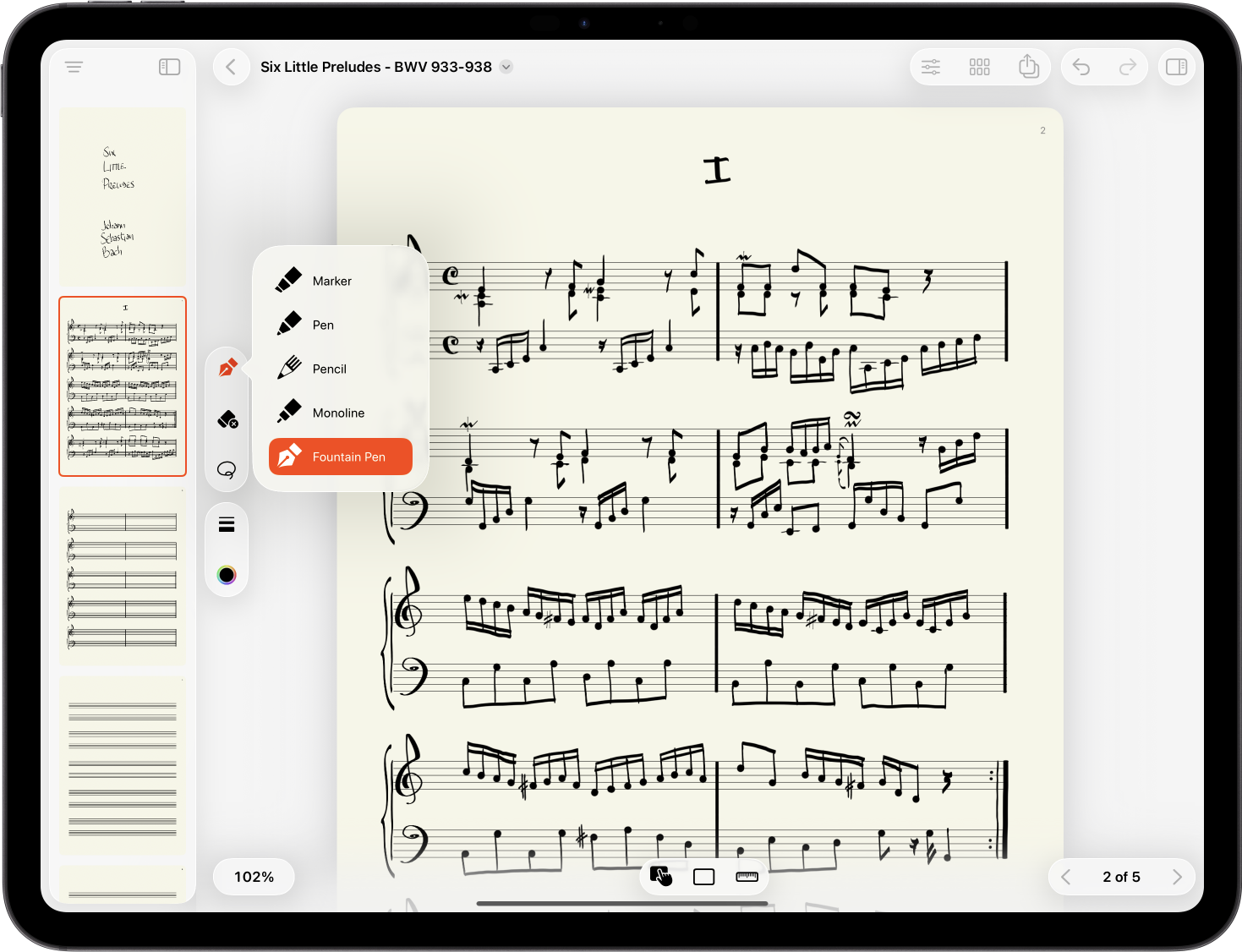
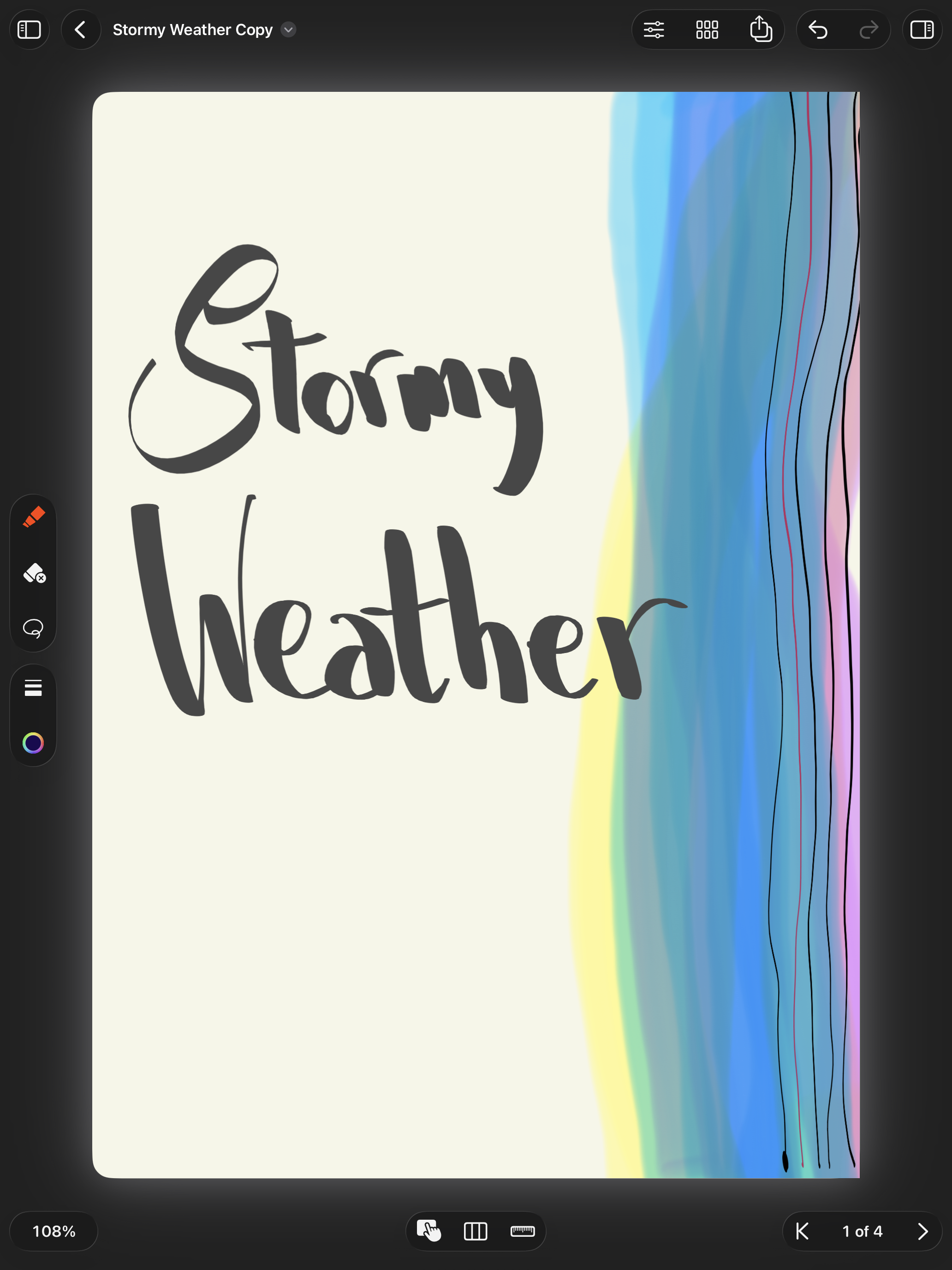
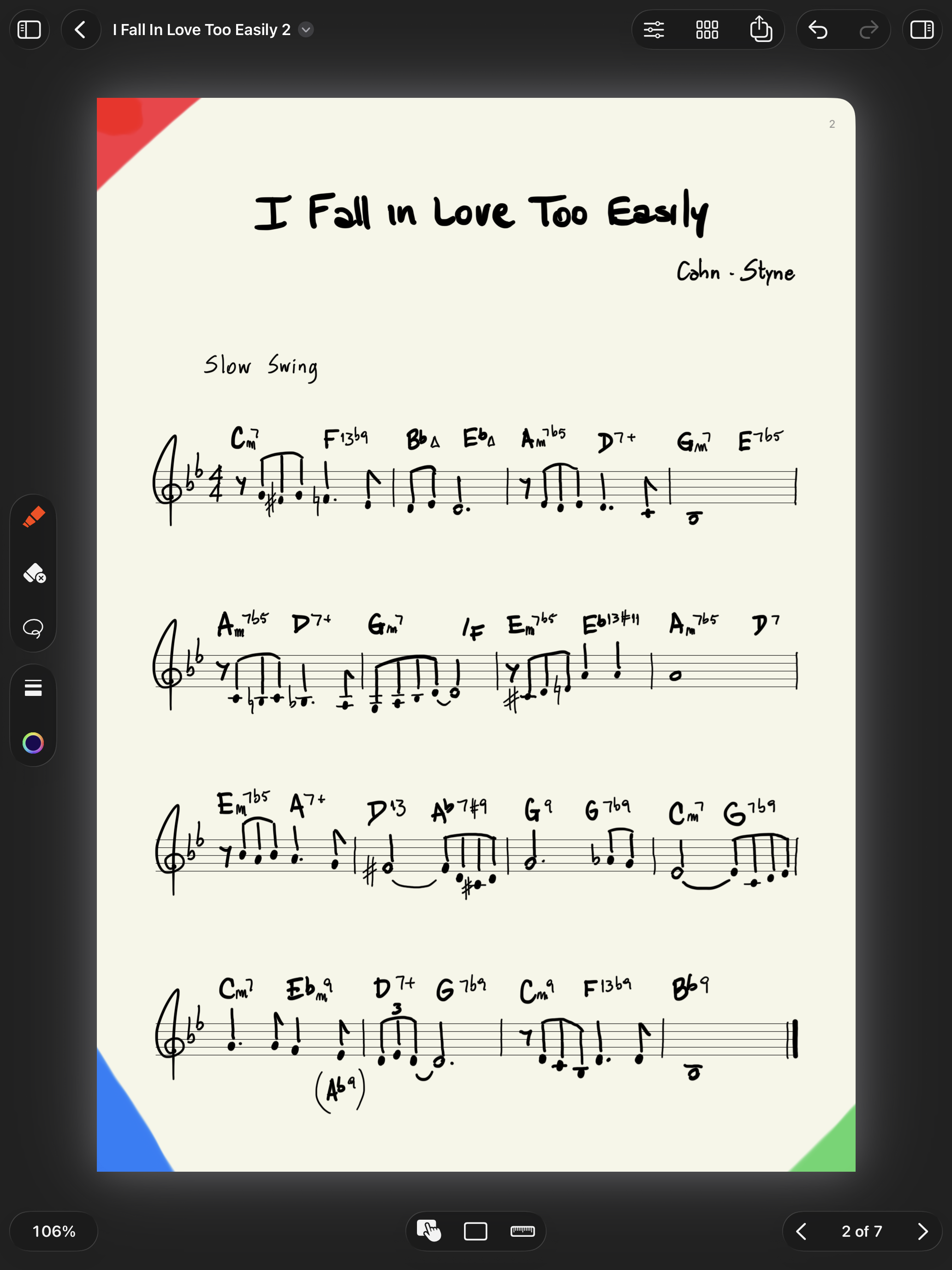
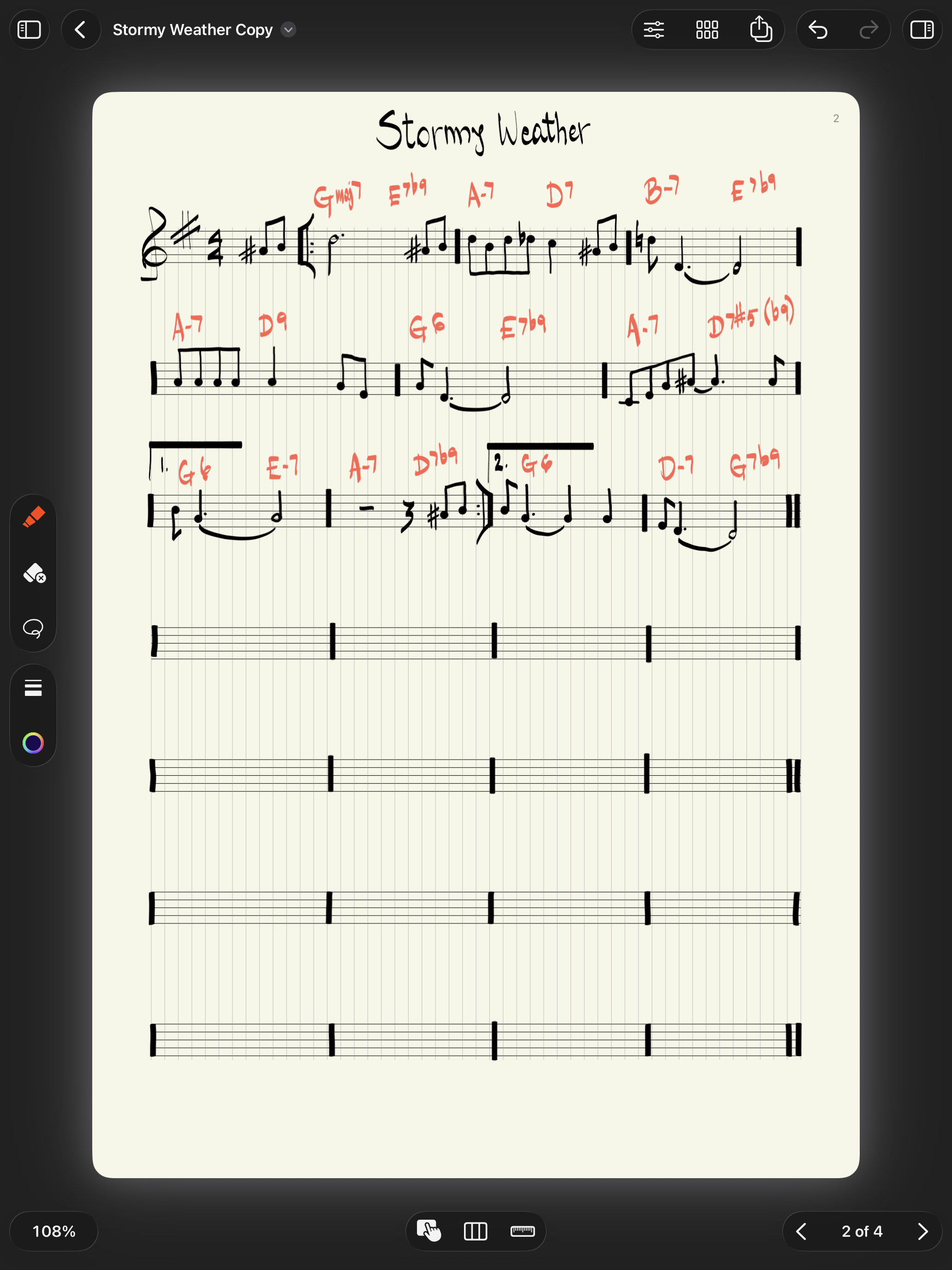
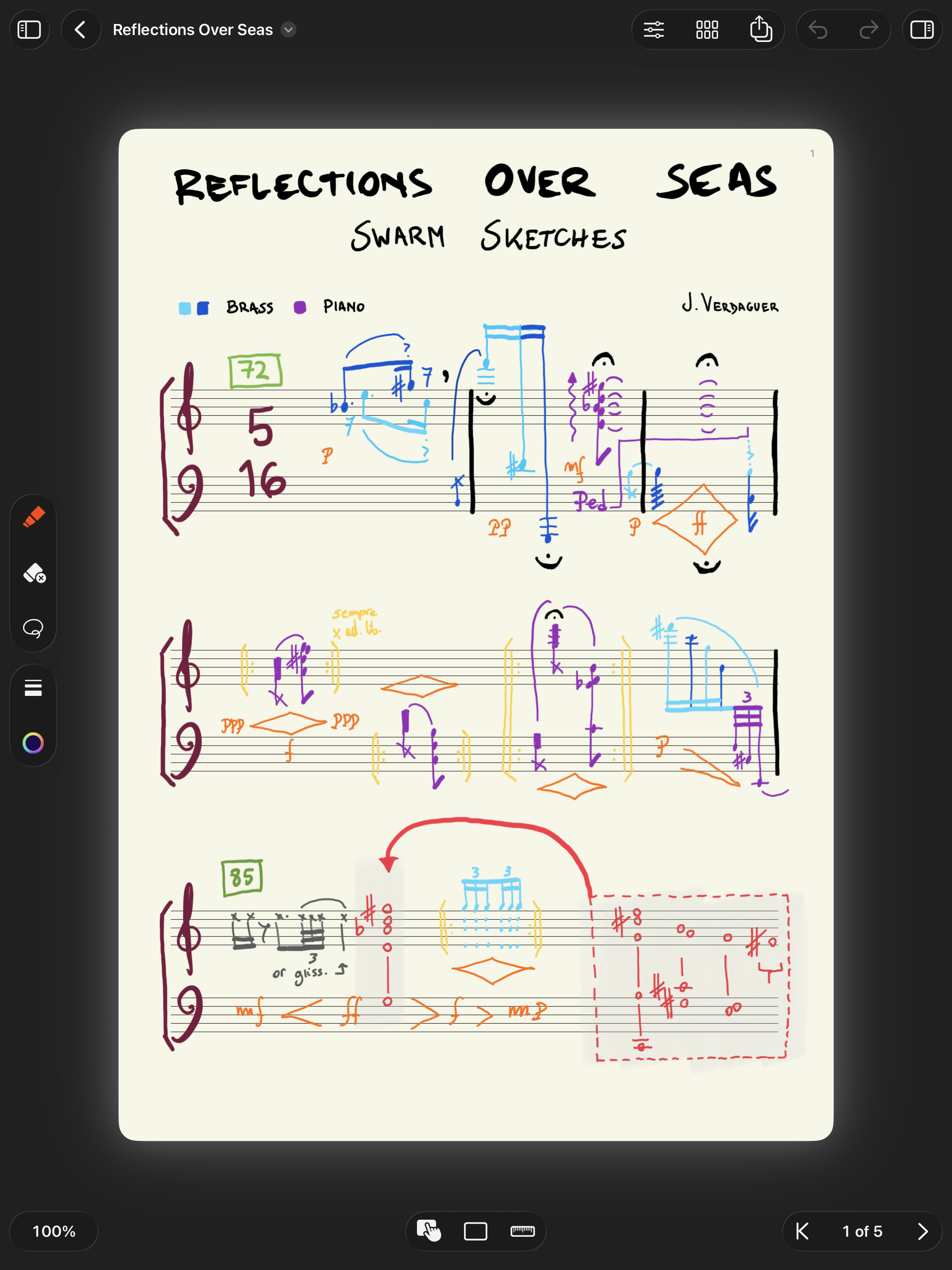
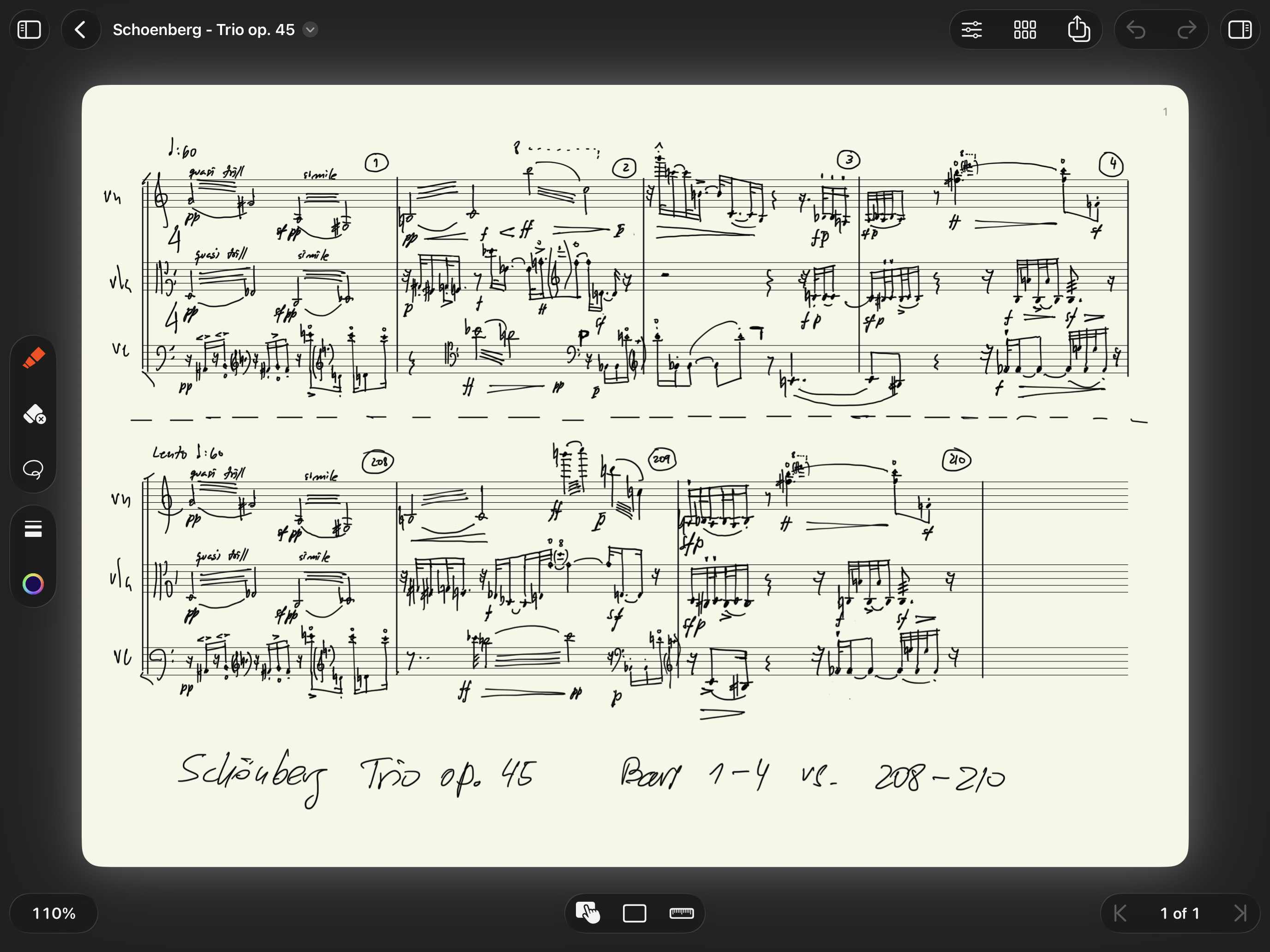
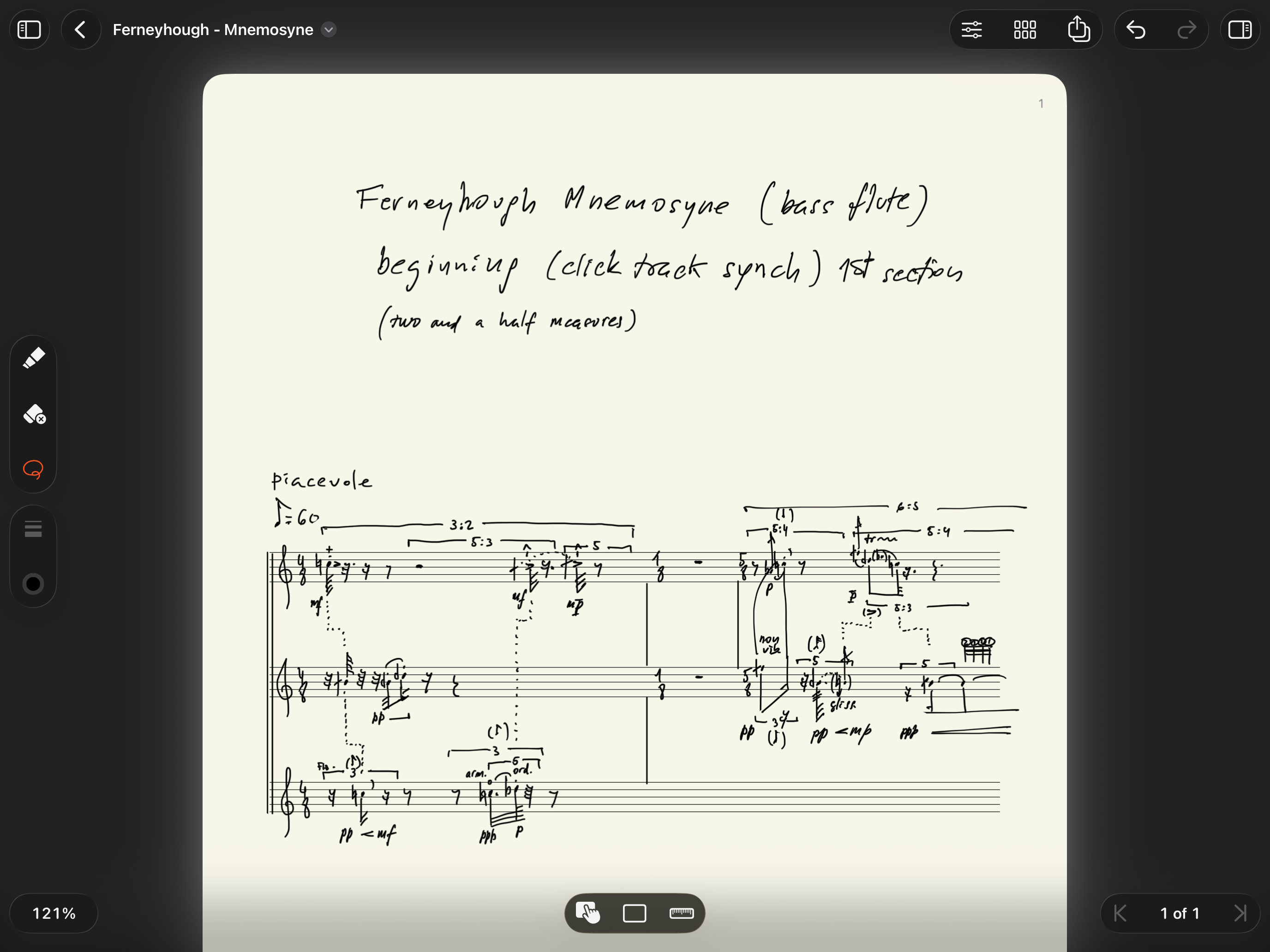
MusicPad is an iPad app that offers you a pen-and-paper experience with the music you handwrite. Designed to be used with the Apple Pencil, it packs many handy features well integrated with Apple’s ecosystem.
It’s great for musicians, composers, arrangers, producers, students, educators, and basically anyone who enjoys handwriting music.
What MusicPad can do…

Instant Tools
Switch quickly between pens, erasers and the selector from one streamlined picker. Includes support for Apple Pencil gestures.

Custom Pages
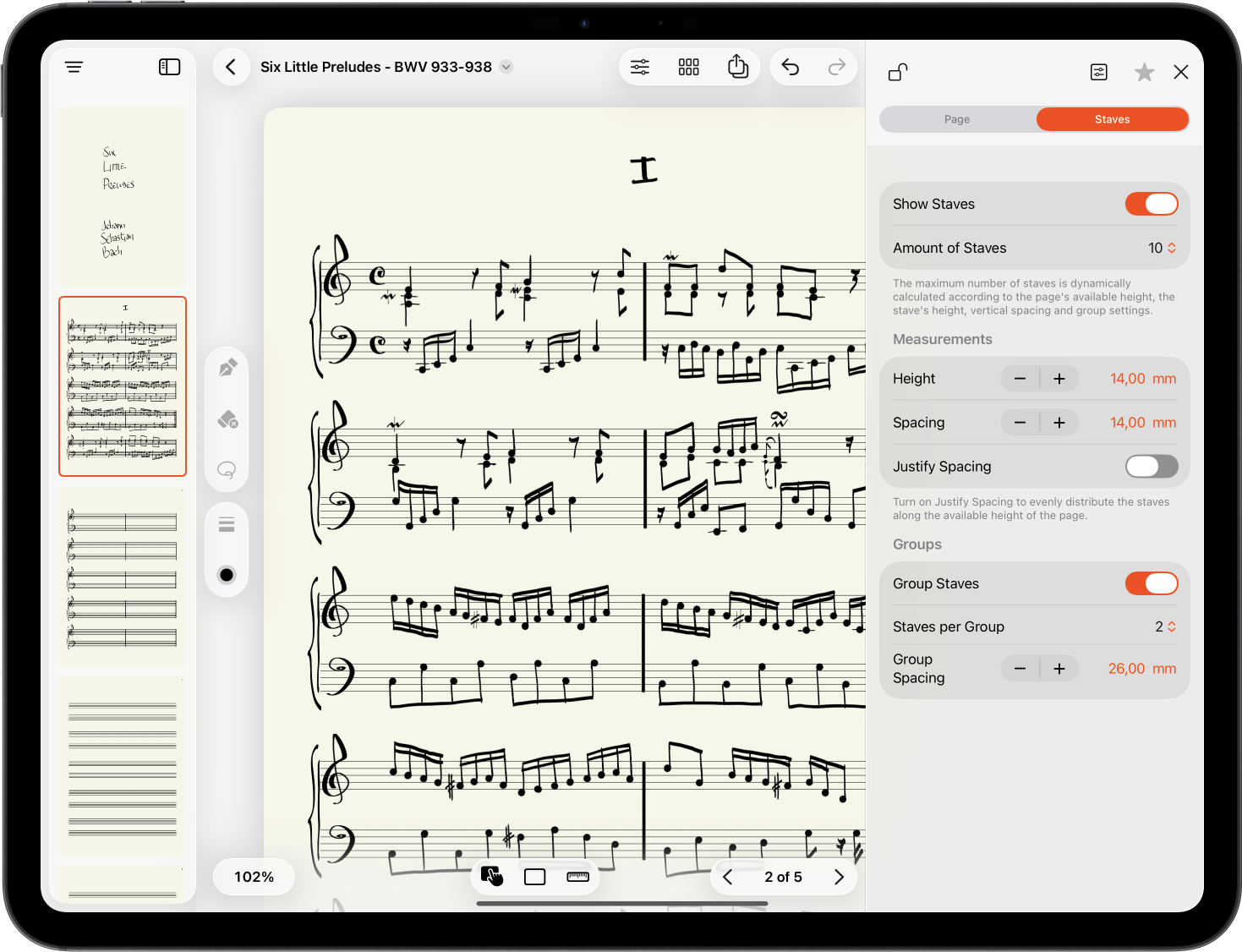
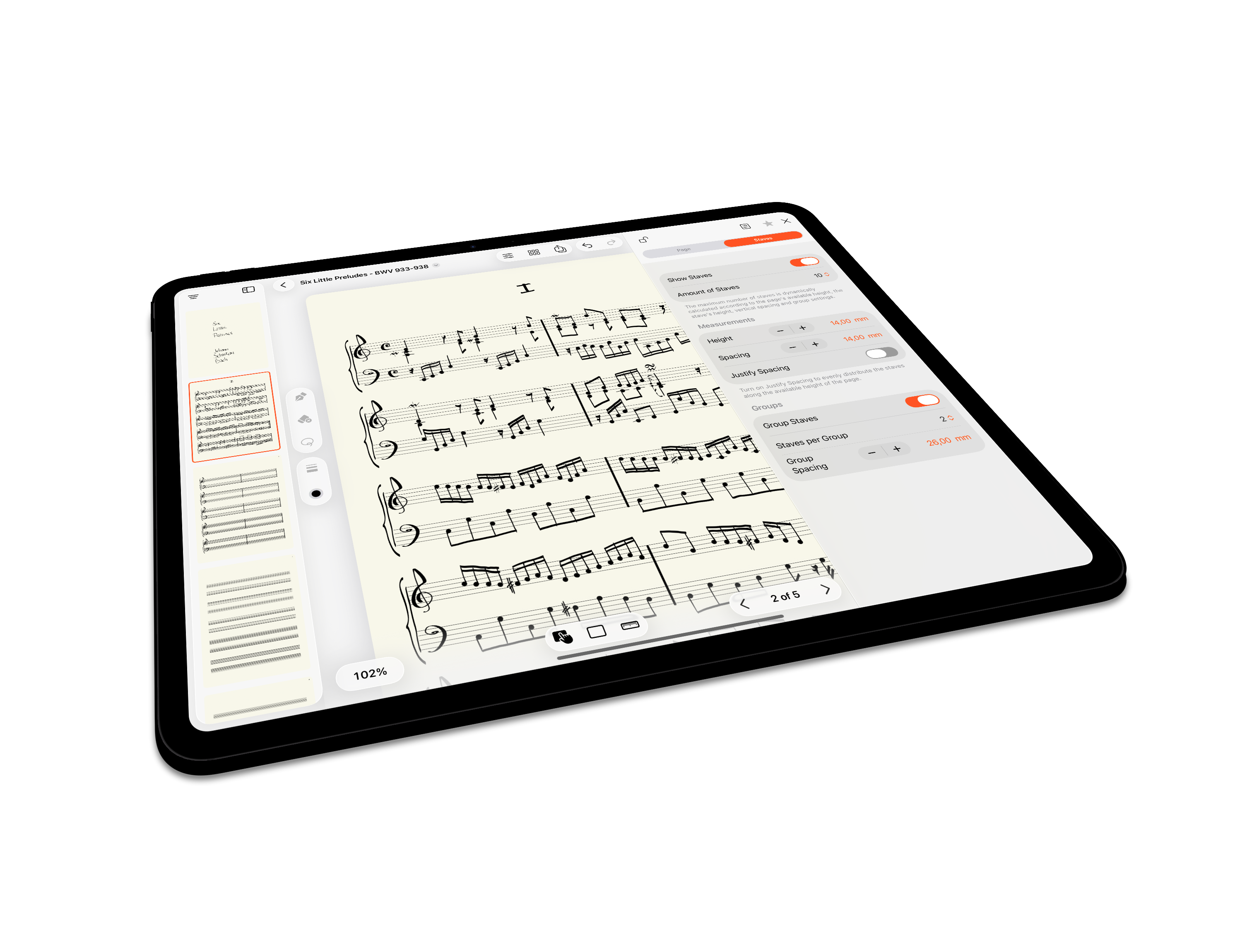
Shape your pages to fit the way you think and write. Adjust layouts for sketching, notation, planning, or structured compositions.

Share Effortlessly
Export and share pages, ideas, and scores whenever you are ready.

Easy Navigation
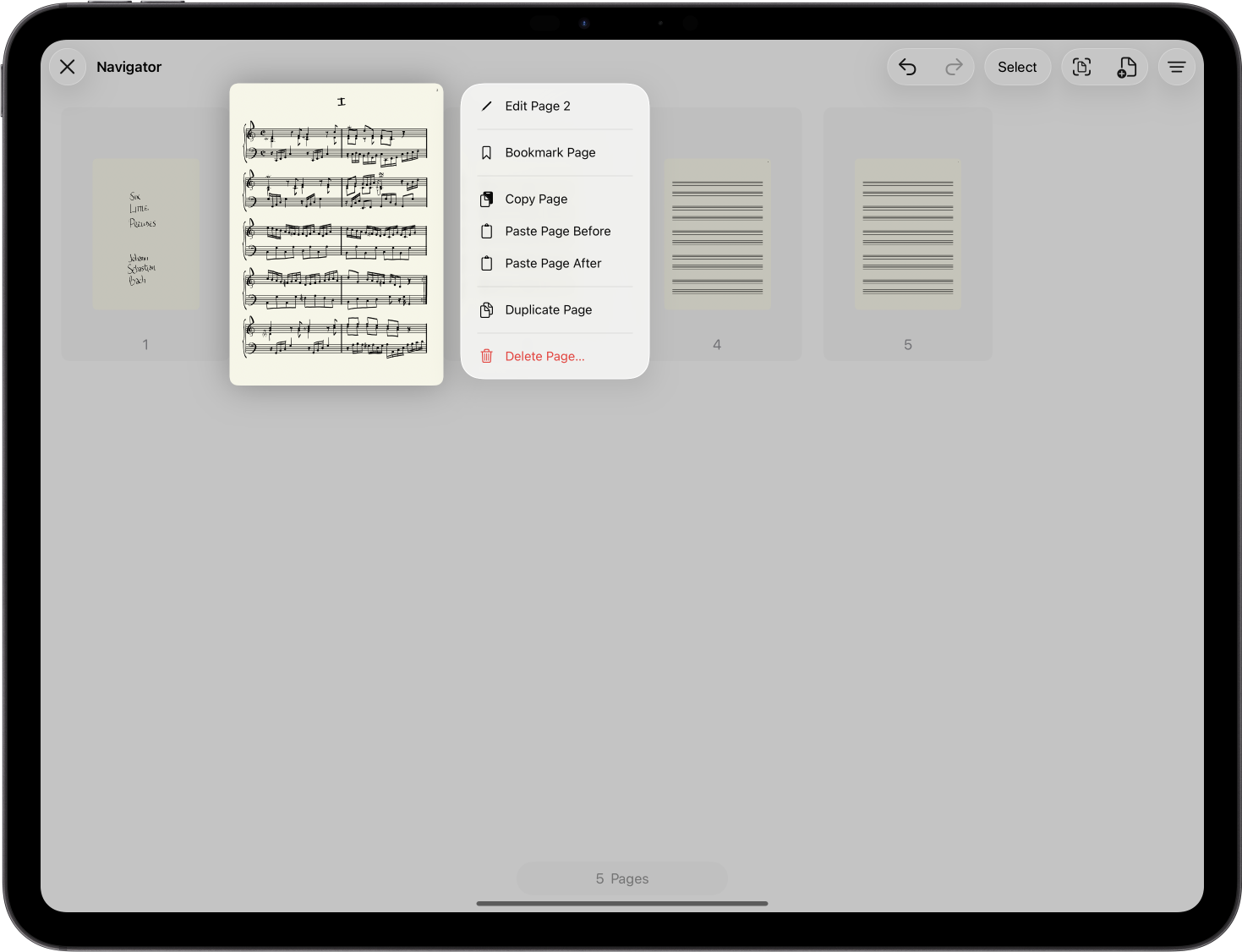
Browse your score pages in the sidebar or fullscreen. Move quickly through sketches, drafts, and larger works.

Smoother Zoom
Zoom in for detail and out for structure with greater fluidity and control.

Perfect Integration
Built for iPad and Apple Pencil, with the tools and gestures you already use in the Apple ecosystem.

Flexible Staves
Set up the stave layout you need, from simple ideas to complex scores.

Bookmarks & Grids
Mark important pages for quick return, and enable grids when you need extra structure.

Musician’s Companion
A workspace for first ideas and handwritten scores, for composers, songwriters, students, and musicians.
All-in-one in-app purchase
MusicPad is free to download and use with limitations.
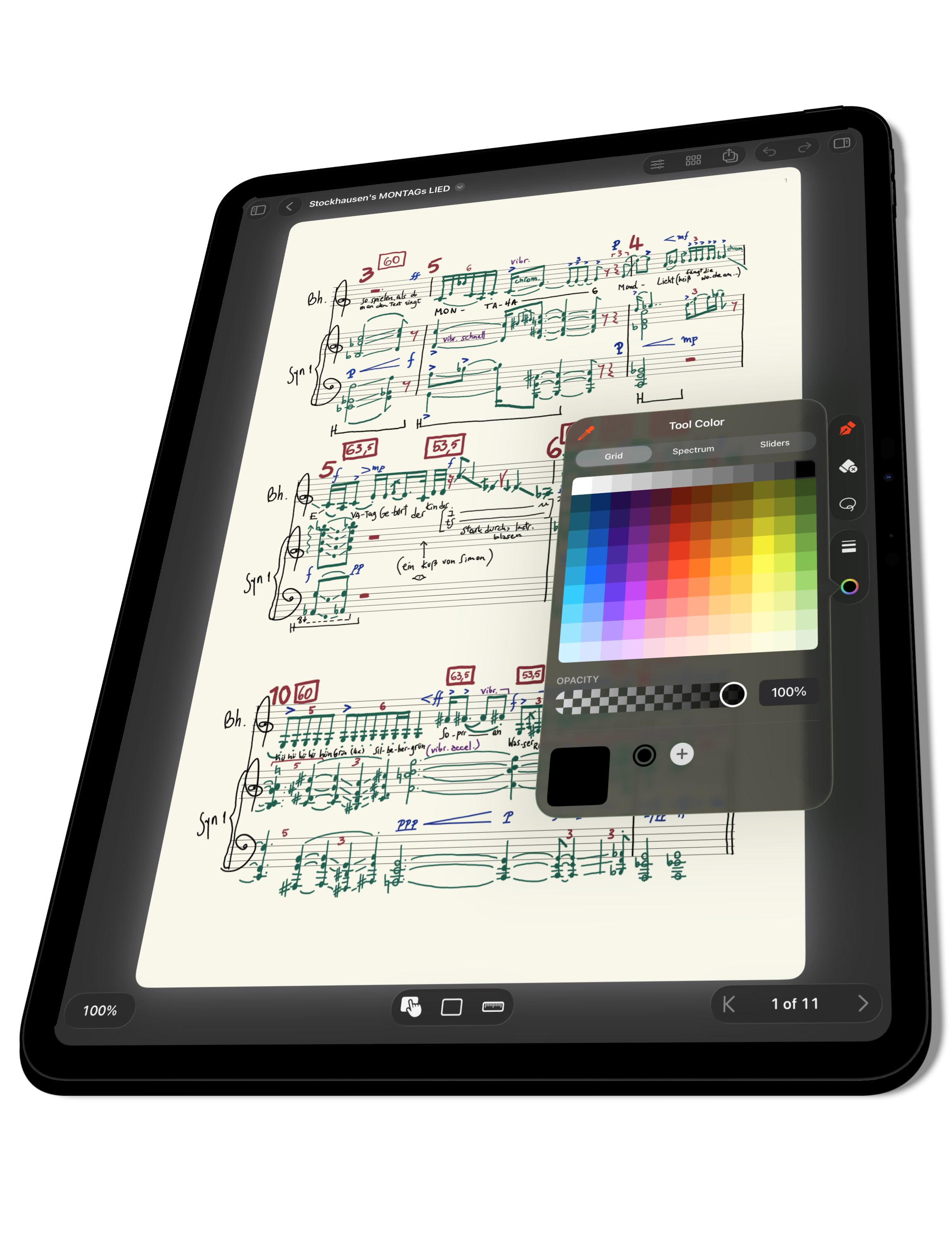
If you are happy with the app and want to support future developments, one in-app purchase gives you access to create unlimited pages per document, customise pages and staves, navigate pages, export to PDF and more.
MusicPad for Education
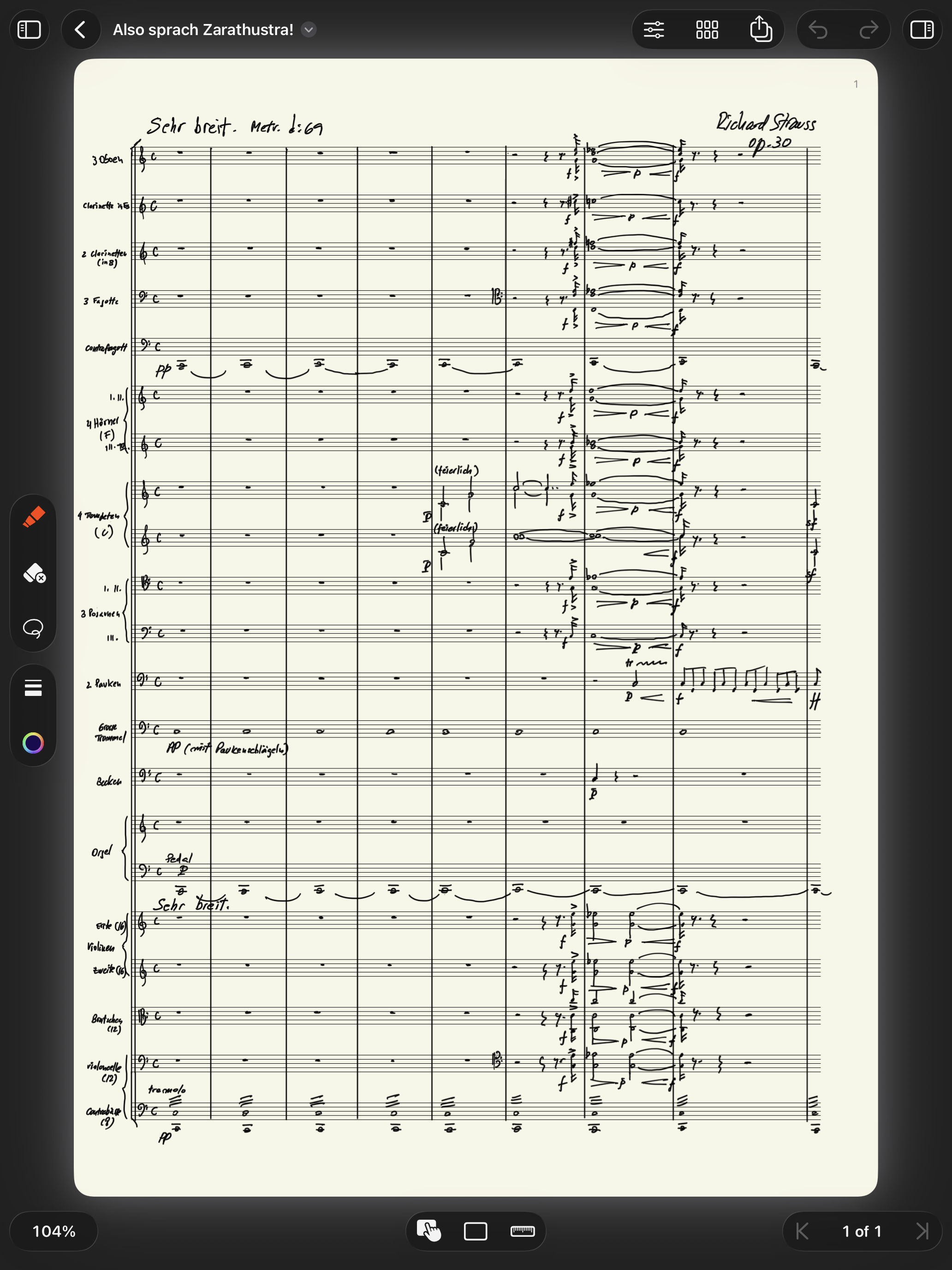
Hundreds of teachers already use it in their classrooms.
With MusicPad for Education, institutions can benefit by licensing MusicPad through Apple’s Volume Purchase Program.
MusicPad for Education does not (and will not) offer in-app purchases and does not allow family sharing. Only educational institutions are encouraged to purchase MusicPad for Education. Individuals will get all current and future features on the regular MusicPad version.